Processor:

Quad Core Intel Core i5 9th Gen 2.0 GHz or higher is highly recommended. 64-bit processor. More than 2 performance cores are required for video processing, or AMD Ryzen 5 Quad-core or higher (AMD Ryzen™ 2nd Gen or higher)


Memory (RAM):

8 GB RAM is recommended for optimal performance. The photobooth software can run with a minimum of 4 GB RAM, however 8 GB is strongly recommended as the software is optimized to take full advantage of multiple processing cores, resulting in smoother and faster performance overall.


Graphics Card:
  • NVIDIA® GPU 2016 or newer with 4 GB capacity or more is highly recommended.
  • NVIDIA GeForce 1650 or higher with at least 4 GB dedicated VRAM
  • AMD Radeon RX 560 or higher with at least 4 GB dedicated VRAM

Note: A dedicated graphics card is only required if you are using dslrBooth or the Boothlab Paywall Only package. If you are using Boothlab Photo (built-in integration), an integrated GPU is sufficient and a dedicated graphics card is not mandatory.


Operating System:
  • Windows 10 version 1903 (19H1 - May 2019) or higher or Windows 11 with latest updates.
  • Set power mode to Best Performance.
  • Display Resolution of 1920x1080 is recommended.
  • Touch screen is recommended for best experience but not mandatory

Note: Intel i5 Surface Pros 7 and 7+ do not have internal fans. Therefore, CPU throttling may occur causing lag especially during live view.


Not Supported:
  • AMD APU processors have issues working with high-performance multi-threaded applications like dslrBooth.
  • ARM and ARM64 processors such as found on Microsoft Surface X (Microsoft SQ1/SQ2 processors).
  • Intel Atom, Intel Celeron, Intel Pentium, and Intel Gold processors.

If you have a slower PC, the photobooth software might work for you but it will be slower. To make it run slightly faster, lower your camera settings to the smallest image size and set your template to 300x300 dpi. This will speed up processing.

Canon
  • Canon EOS-1D X Mark III
  • Canon EOS 1D C
  • Canon EOS-1D X Mark II
  • Canon EOS-1D Mark III / EOS 1D X
  • Canon EOS-1Ds Mark III
  • Canon EOS-1D Mark IV
  • Canon EOS 5D Mark II/Mark III, IV
  • Canon EOS 5DS, 5DS R
  • Canon EOS 6D Mark II
  • Canon EOS 6D
  • Canon EOS 7D / 7D Mark II
  • Canon EOS 80D
  • Canon EOS 70D
  • Canon EOS 77D
  • Canon EOS 90D
  • Canon EOS 60D/60Da, 50D, 40D*
  • Canon EOS Rebel T8i / 850D / Kiss X10i
  • Canon EOS Rebel SL3 / EOS 250D / Kiss X10 / EOS 200D Mark II
  • Canon EOS Rebel T7i / 800D / Kiss X9i
  • Canon EOS Rebel SL2 / 200D / Kiss X9
  • Canon EOS Rebel SL3 / 250D / 200D II
  • Canon EOS Rebel T6s / 760D / 8000D
  • Canon EOS Rebel T6i / 750D / Kiss X8i
  • Canon EOS Rebel T6 / 1300D / Kiss X8
  • Canon EOS Rebel T5 / 1200d / Kiss X7
  • Canon EOS Rebel T4i / 650d / Kiss X6i
  • Canon EOS Rebel T3i / 600d / Kiss X5
  • Canon EOS Rebel T3 / 1100d / Kiss X50
  • Canon EOS Rebel XS / 1000D / Kiss F
  • Canon EOS Rebel T2i / 550D / Kiss X4
  • Canon EOS 9000D / EOS 77D
  • Canon EOS T100 / 4000D / 3000D
  • Canon PowerShot SX70 HS

Sony
  • ILCE-1M2
  • ILCE-1
  • ILCE-9M3
  • ILCE-9M2
  • ILCE-7RM5
  • ILCE-7RM4A
  • ILCE-7RM4
  • ILCE-7M5
  • ILCE-7M4
  • ILCE-7SM3
  • ILCE-7RM3A
  • ILCE-7M3
  • ILCE-7M2
  • ILCE-7CM2
  • ILCE-7CR
  • ILCE-7C
  • ILCE-6700
  • ILCE-6600
  • ILCE-6400(A)
  • ILCE-6100(A)
  • ILX-LR1
  • ILME-FR7 *
  • ILME-FX3(A)
  • ILME-FX2
  • ILME-FX30
  • ZV-E1
  • ZV-E10M2
  • ZV-E10
  • ZV-1M2
  • ZV-1F
  • ZV-1(A)
  • DSC-RX1RM3
  • DSC-RX0M2
  • DSC-RX100M7(A)
  • DSC-RX100M5A
  • DSC-RX10M4
  • DSC-HX99
  • BRC-AM7 *

*Must be tested


Nikon (using webcam utility)
  • The Z 9, Z 8, Z 7II, Z 7, Z6III, Z 6II, Z 6, Z 5, Z f, Z fc, Z 50, and Z 30
  • The D6, D5, D850, D810, D780, D750, D500, D7500, D7200, D5600, D5500, D5300, and D3500

All Nikon cameras listed above require the Nikon Webcam Utility to be installed on your PC before connecting to Boothlab. This utility enables live view and tethered shooting via USB. Make sure your Nikon camera supports continuous auto-focus (AF-C) without requiring a physical shutter trigger — this ensures smooth live view performance in photobooth sessions.


Fuji Film (using webcam utility)
  • GFX100
  • GFX100S
  • GFX50S II
  • GFX 50S
  • GFX 50R
  • X-H1
  • X-Pro3
  • X-Pro2
  • X-T4
  • X-T2
  • X-S10
  • X-T30 II
  • X-E4
  • X100V

All Fujifilm cameras listed above require the Fujifilm X Webcam utility installed on your PC to enable USB live view with Boothlab. Ensure your Fujifilm camera supports continuous auto-focus (AF-C) with face/eye detection in live view mode — without needing to press the shutter button. This is critical for a smooth, hands-free photobooth experience.


Webcam

Supports most webcams. Camera should support 30fps or less, preferably at 1920x1080 resolution, and standard image format. We recommend most Logitech or Microsoft webcams.


Boothlab supports all major printer brands and models compatible with Windows drivers. Whether you're running a casual event booth or a high-volume professional setup, there's a printer option for every need and budget.

Entry Class / Event Organizer / Newspaper Photobooth

Suitable for small-scale booths or informal events. Slower print speed, but lower initial investment cost.
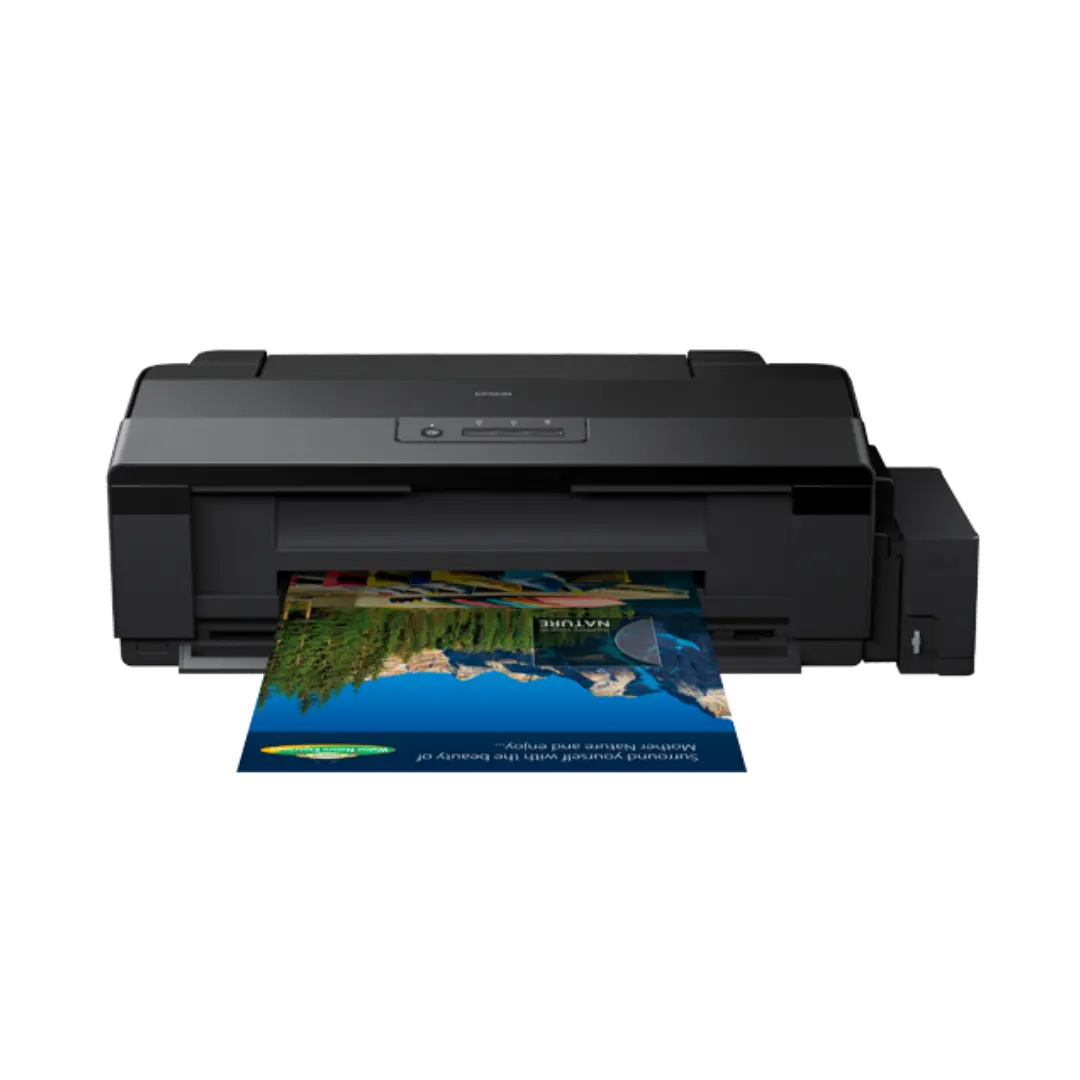
Epson L1800

Epson L1800

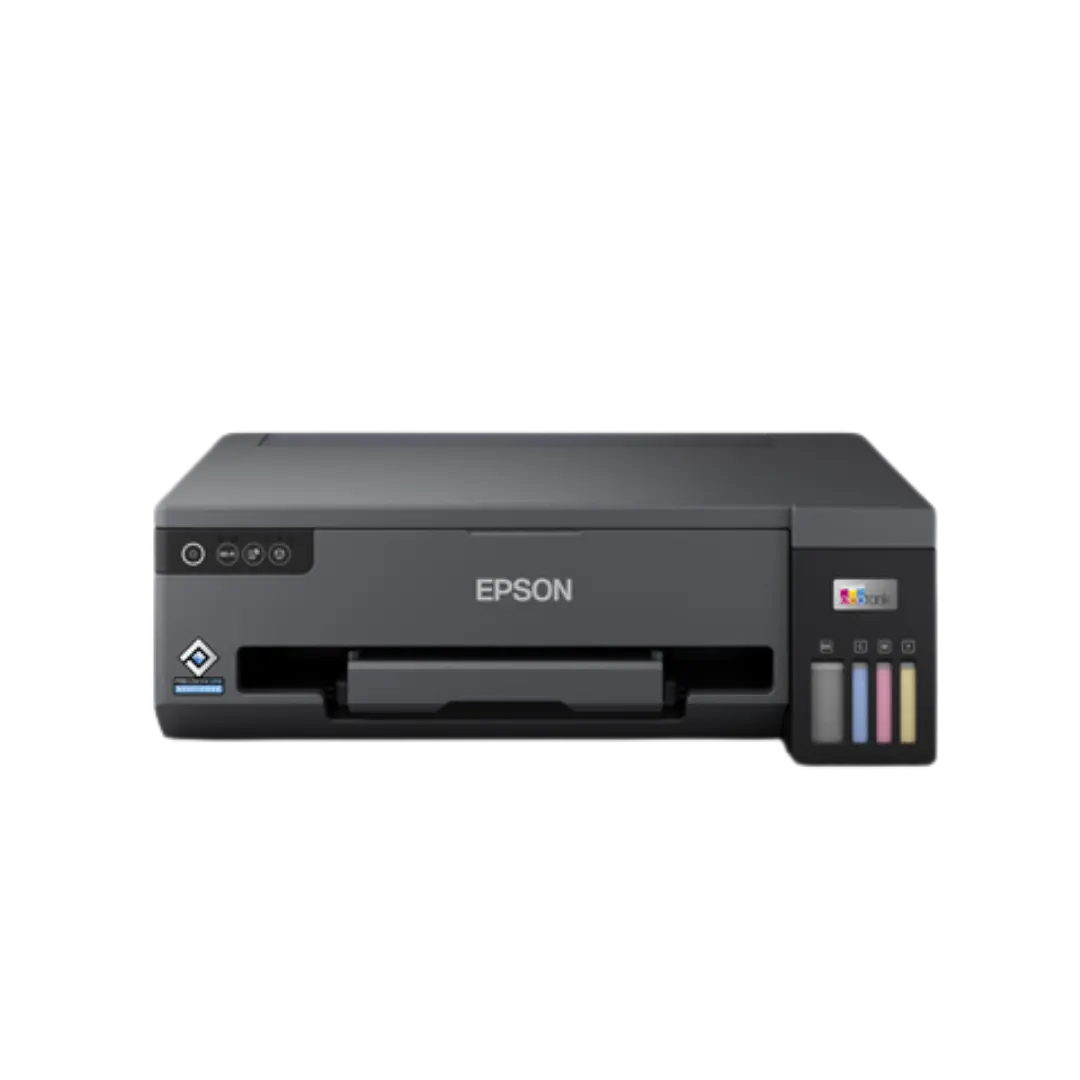
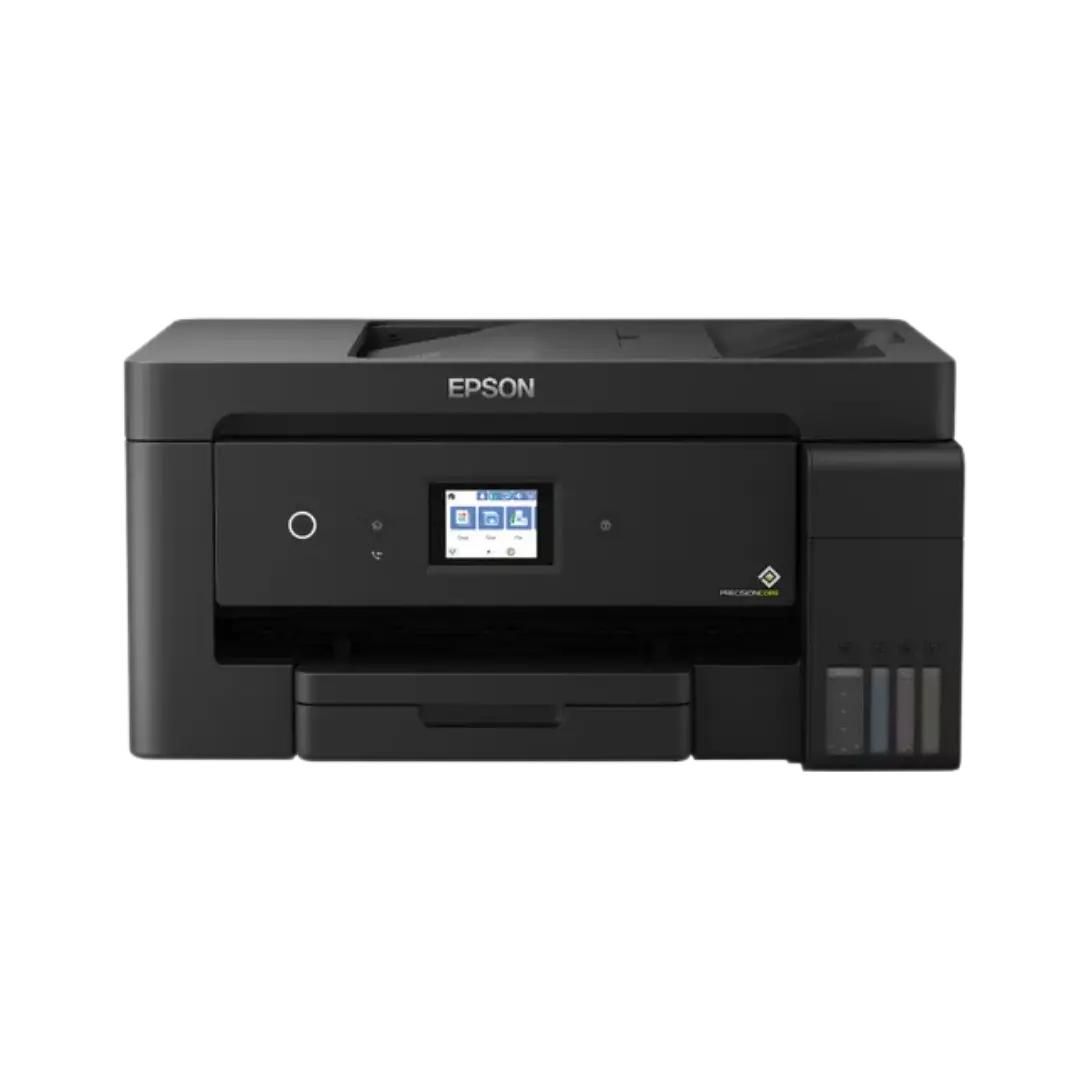
Epson EcoTank L14150

Epson EcoTank L14150

Epson EcoTank L11050

Epson EcoTank L11050

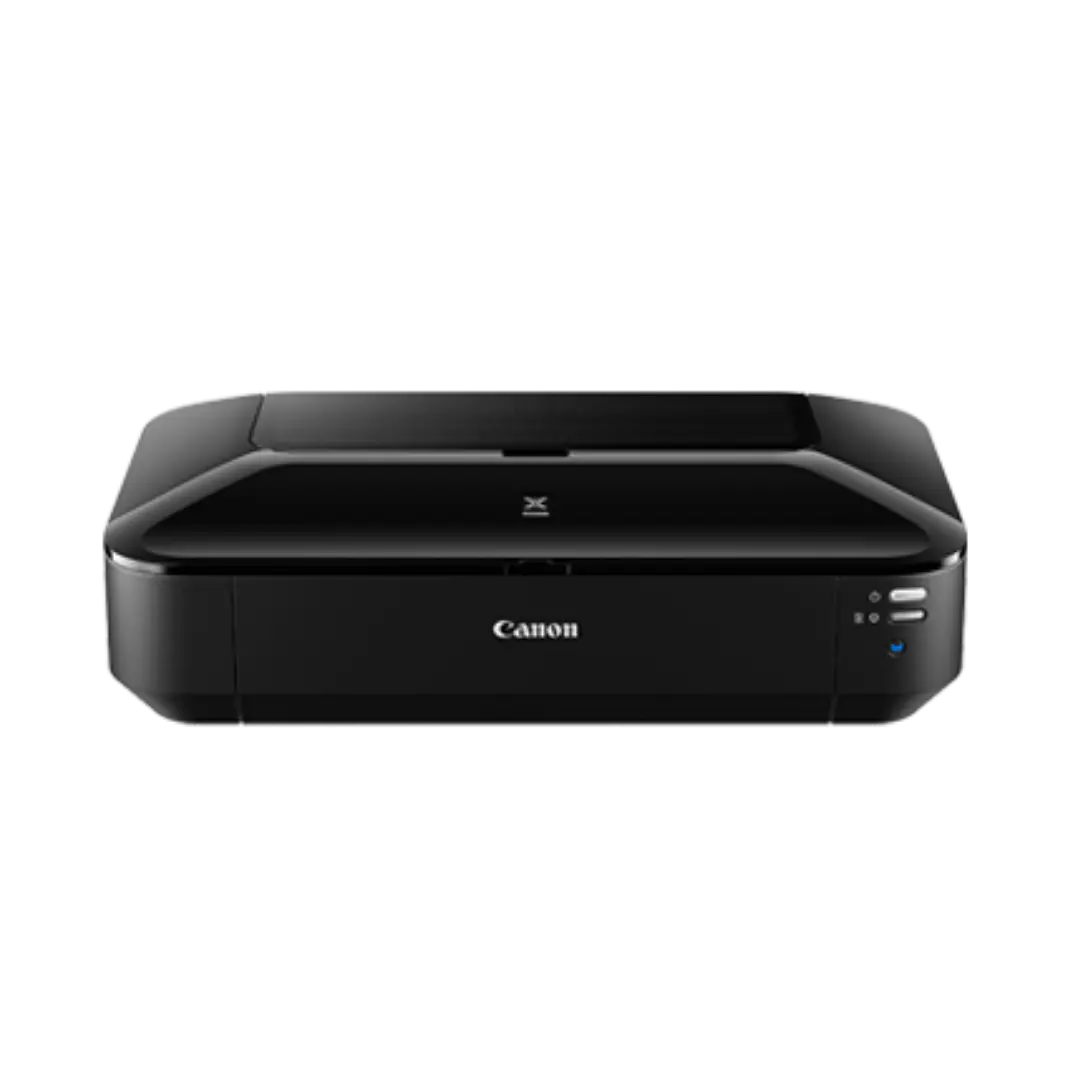
Canon Pixma ix6870

Canon Pixma ix6870

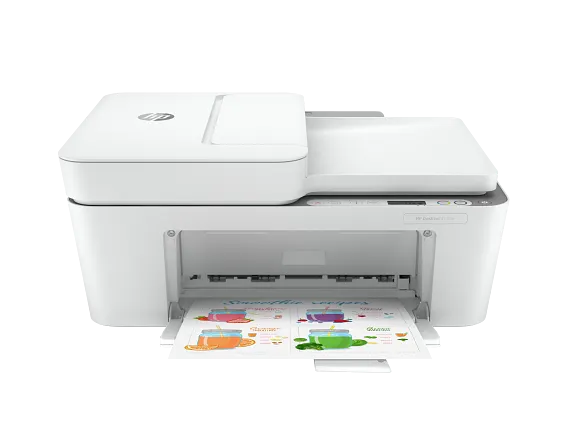
HP DeskJet 4155e

HP DeskJet 4155e

HP Envy Photo 7855

HP Envy 7855


Professional Class / Dye-sub Photo

Professional dye-sublimation printers. Fast printing, durable output, water-resistant, and consistent for high-volume events. Highly recommended for commercial photobooth businesses.
Hiti P510 / P525

HiTi P510 / P525

DNP RX1HS

DNP RX1HS